Run Your Own Speed Test Server with OpenSpeedTest
How I deploy internal speed test servers to measure LAN performance without external variables.
Public speed tests like speedtest.net measure your internet connection, not your internal network. When a user complains their file server is slow, I need to test internal bandwidth - not the path to some server across the internet.
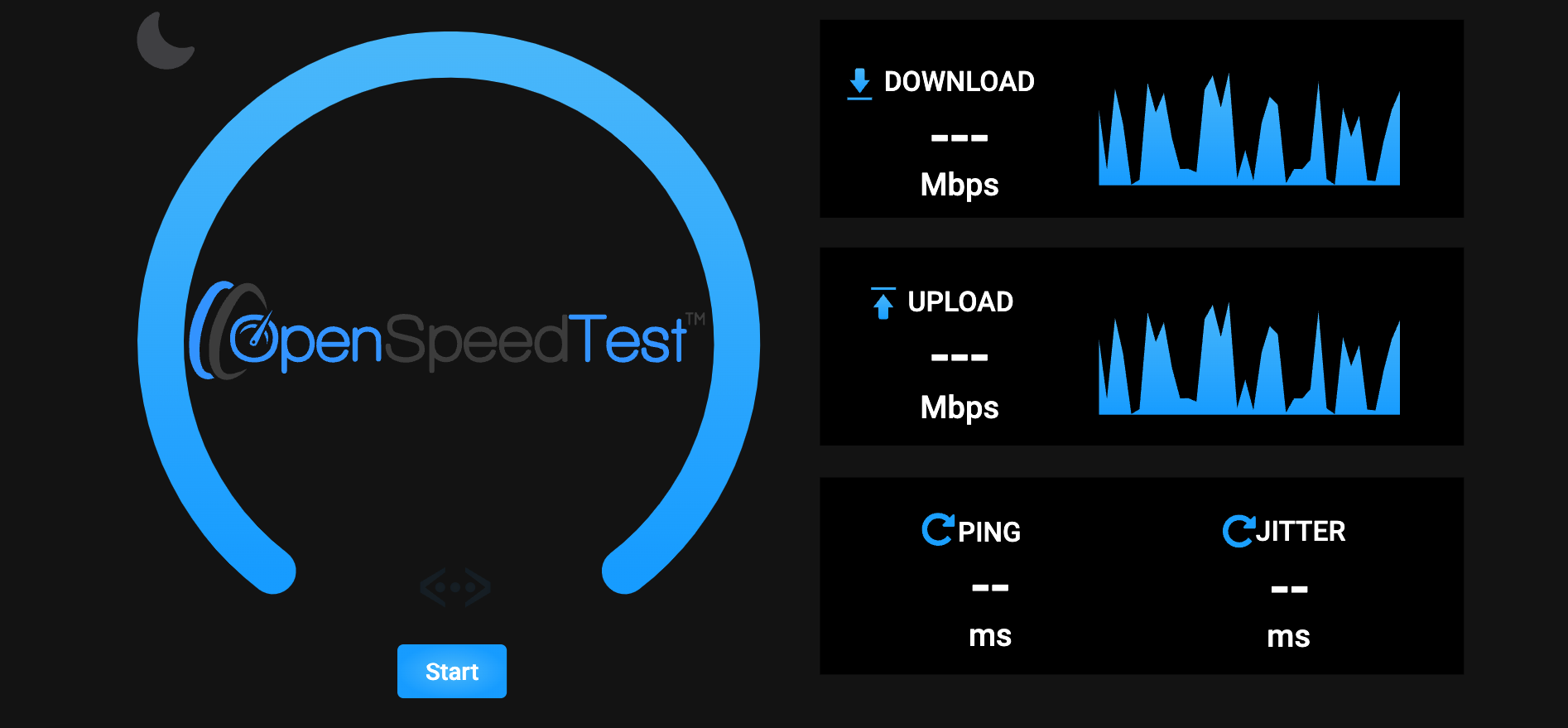
OpenSpeedTest is an HTML5 speed test you can run locally. Docker makes deployment trivial.
Quick Setup
docker run --restart=unless-stopped -d -p 3000:80 openspeedtest/latest
That's it. Access http://your-server-ip:3000 from any device on your network.
Why I Use This
Isolate internal vs external problems. If internal speed test shows 900 Mbps but internet is slow, the problem is upstream. If internal is also slow, check local network.
Test new infrastructure. Before putting a new switch or NIC into production, I run speed tests through it. Caught a bad cable this way once - showed 100 Mbps instead of gigabit.
Baseline measurements. I run periodic tests and log results. When someone says "the network is slower than before," I can compare against historical data.
Troubleshoot wireless. WiFi issues are easier to diagnose when you can test against a known local server. Eliminates ISP as a variable.
Where I Deploy It
I typically run OpenSpeedTest on:
- A VM in each major site
- The same server I use for other network tools
- Sometimes just my laptop when troubleshooting
For a quick test, I'll even run it in the foreground:
docker run --rm -p 3000:80 openspeedtest/latest
Ctrl+C when done.
Multiple Servers
For larger networks, I deploy servers in different segments:
- One in the datacenter
- One in each office building
- One on the WiFi network
Then I can test from a client to each server to pinpoint where slowness occurs.
What It Can't Tell You
Speed tests measure bulk throughput. They don't tell you about:
- Latency (use ping)
- Jitter (use iperf with
-u) - Packet loss under load
- Application-specific issues
For deeper analysis, I use iperf3. But for quick "is the network working?" checks, OpenSpeedTest is faster to set up and easier for end users to run.
Key Takeaways
- Local speed tests eliminate internet variables from troubleshooting
- Docker deployment is one command:
docker run -d -p 3000:80 openspeedtest/latest - Deploy in each network segment for isolation testing
- Use for baseline measurements before and after changes
- Complements but doesn't replace tools like iperf3 for detailed analysis
Written by Bar Tsveker
Senior CloudOps Engineer specializing in AWS, Terraform, and infrastructure automation.
Thanks for reading! Have questions or feedback?