MFA: The Security Control You're Probably Not Using Enough
Why passwords alone fail, which MFA methods actually work, and how to implement authentication that doesn't annoy users.
Password-only authentication is broken. Credential stuffing, phishing, and database breaches make single-factor authentication inadequate for anything important.
Multi-factor authentication fixes this. Even with stolen credentials, attackers can't get in without the second factor.
Yet I still see production systems protected by passwords alone. Critical infrastructure. Customer data. Admin accounts.
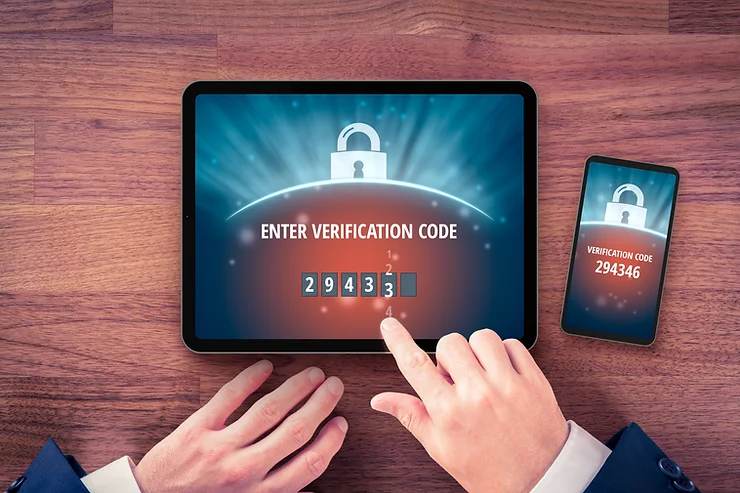
What MFA Actually Means
MFA requires verification from multiple categories:
- Something you have: Phone, hardware key, authenticator app
- Something you know: Password, PIN
- Something you are: Fingerprint, face, retina
Two passwords isn't MFA. A password plus a code from your phone is.
Which Method to Use
Authenticator apps (TOTP): Google Authenticator, Authy, Microsoft Authenticator. These generate time-based codes that change every 30 seconds. Better than SMS because they resist SIM-swapping attacks.
Hardware keys (FIDO2/WebAuthn): YubiKey, Google Titan. Best protection against phishing because they're cryptographically bound to legitimate domains. A fake login page can't get your key to authenticate.
SMS codes: Better than nothing, but vulnerable to SIM swapping. Attackers call your carrier, pretend to be you, and transfer your number to their SIM. Then they receive your codes.
My recommendation: Authenticator apps for most accounts. Hardware keys for anything critical - admin access, financial accounts, email (since email resets everything else).
Setting Up MFA
Enable it everywhere that matters:
Critical (do first):
- Email (controls password resets for everything else)
- Banking and financial accounts
- Cloud provider consoles (AWS, GCP, Azure)
- Password manager
Important:
- Social media (especially if used for work)
- Any account with saved payment methods
- Work applications
Most platforms: Settings → Security → Two-factor authentication
Backup and Recovery
What happens when you lose your phone?
Recovery codes: Most services provide backup codes when you enable MFA. Store these securely - password manager, encrypted file, or printed in a safe.
Backup authenticator: Authy syncs across devices. If you lose one phone, you still have access from another.
Secondary methods: Register a backup phone number or email for recovery. Just understand this creates another attack vector.
Test your recovery: Before you need it, verify you can actually recover access. I've seen people locked out of critical accounts because they never tested their backup codes.
Common Mistakes
Only protecting some accounts. Attackers find the weakest link. If your email doesn't have MFA, they reset passwords on everything else.
Using SMS when better options exist. If the service supports authenticator apps or hardware keys, use those.
Not storing recovery codes. You will eventually lose access to your MFA device. Have a backup plan.
Sharing MFA devices. Each person should have their own authentication method. Shared MFA defeats the purpose.
Key Takeaways
- Passwords alone are insufficient - enable MFA on all important accounts
- Authenticator apps beat SMS for most use cases
- Hardware keys provide the strongest protection against phishing
- Email is your most critical account - secure it first
- Store recovery codes before you need them
- Test your recovery process while you still have access
Written by Bar Tsveker
Senior CloudOps Engineer specializing in AWS, Terraform, and infrastructure automation.
Thanks for reading! Have questions or feedback?