AWS Cloud Quest: The Learning Tool That Actually Helped
How I used AWS Cloud Quest to prepare for certifications - and why hands-on labs beat video courses.
Most AWS training fails at one thing: it teaches you to pass exams, not to build infrastructure. I can watch 20 hours of video content and still fumble around the console when it's time to actually create something.
AWS Cloud Quest is different. You work in real AWS environments from day one.
What It Actually Is
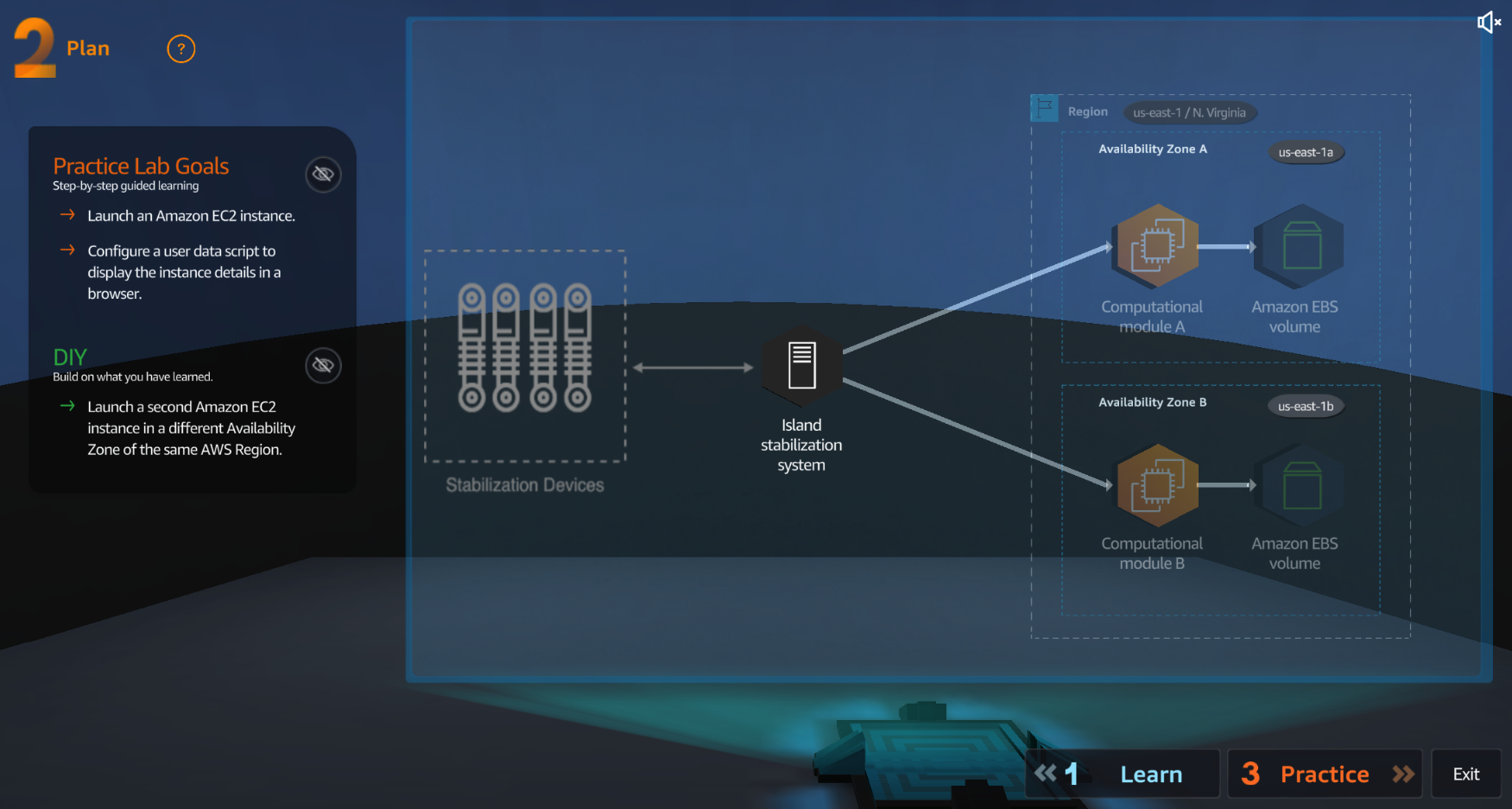
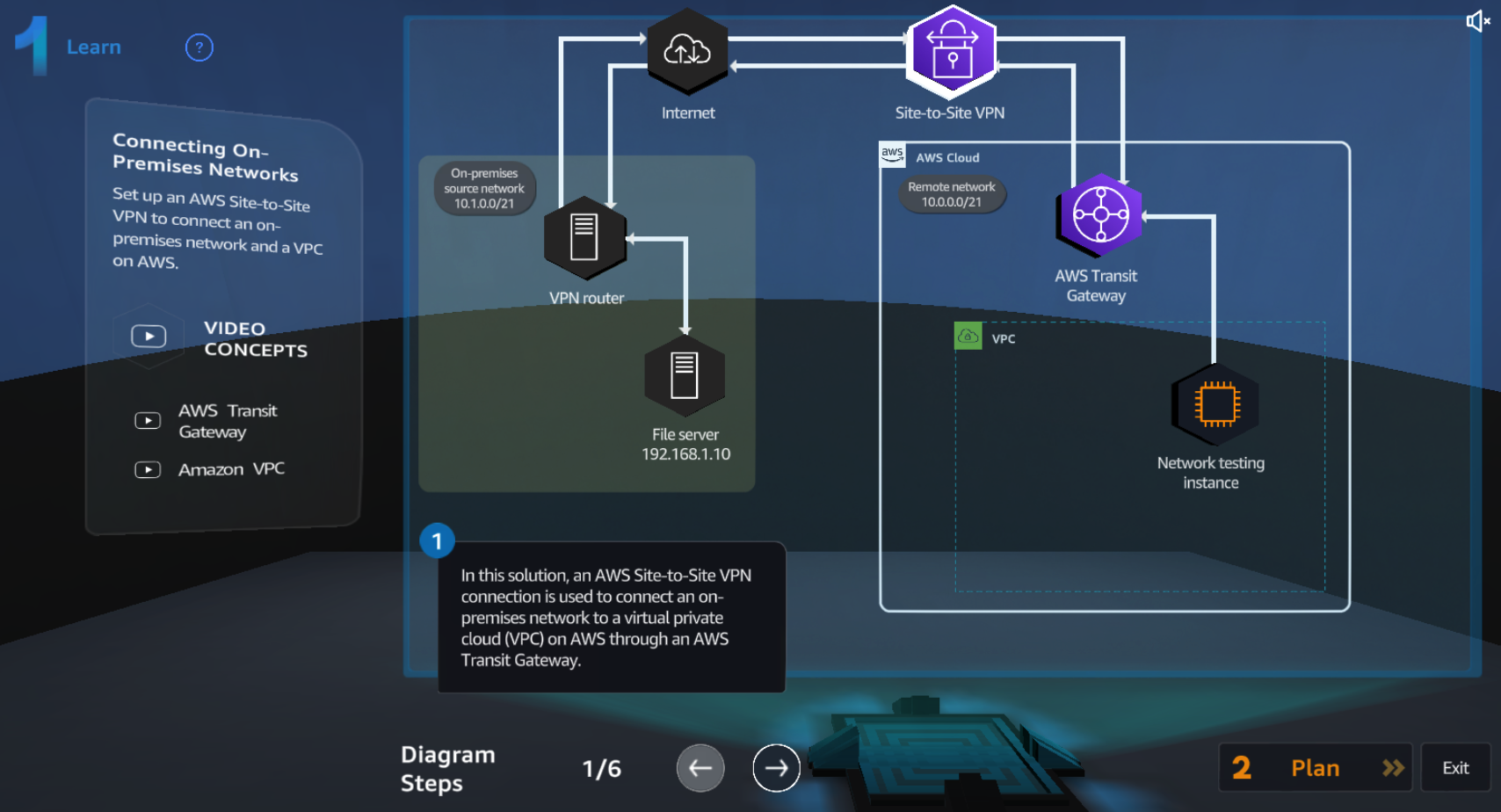
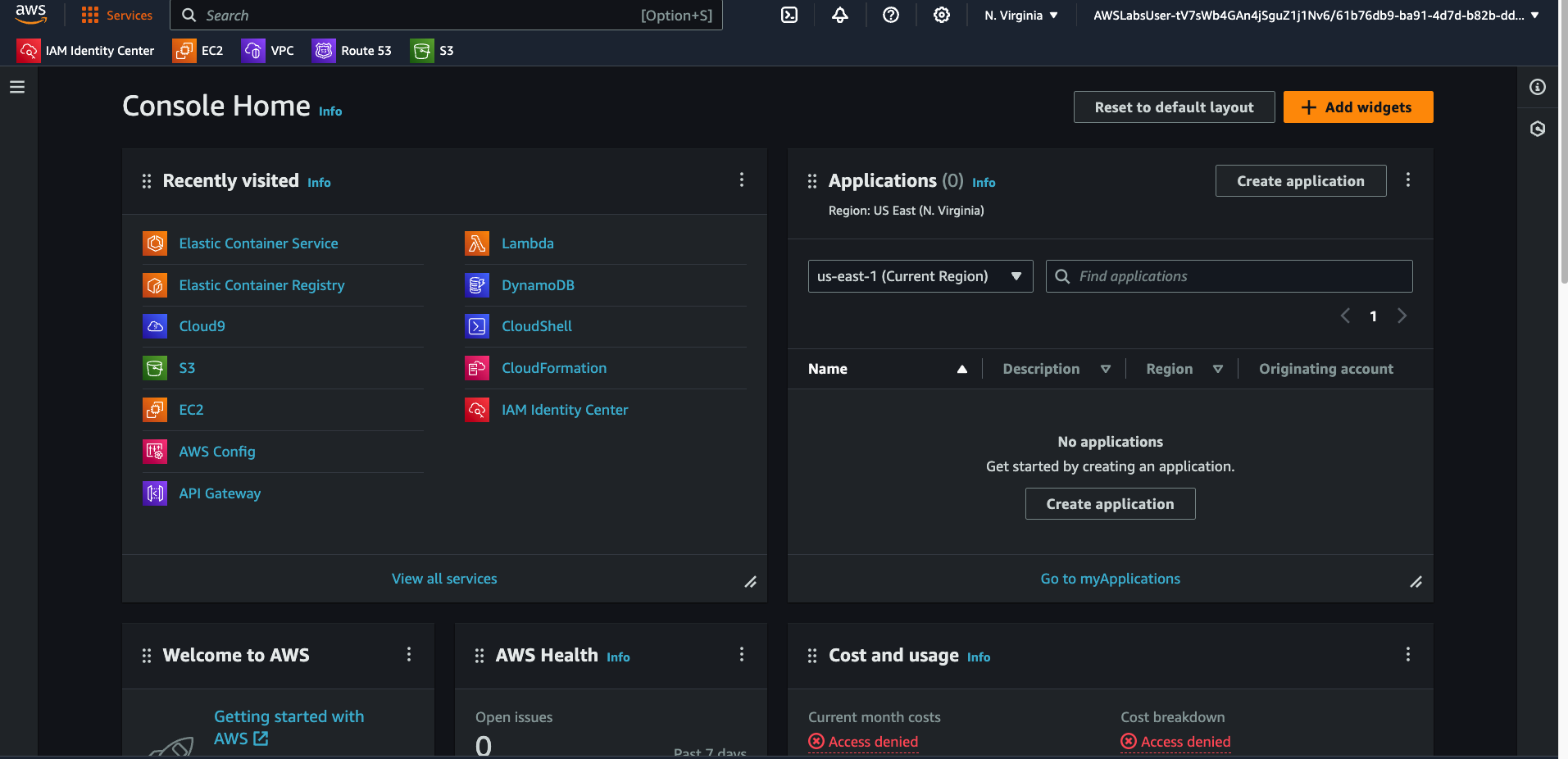
Cloud Quest is a gamified learning platform where you complete hands-on labs in real AWS accounts. Not simulations - actual AWS console with real services.
The RPG wrapper (you're solving problems in a virtual city) is cheesy. Ignore it. The underlying labs are solid.
Why I Used It
Video courses tell you "S3 has storage classes." Cloud Quest has you create a bucket, configure a lifecycle policy, and watch objects transition between storage tiers.
When exam questions describe scenarios, you recognize them because you've built them.
The Learning Paths
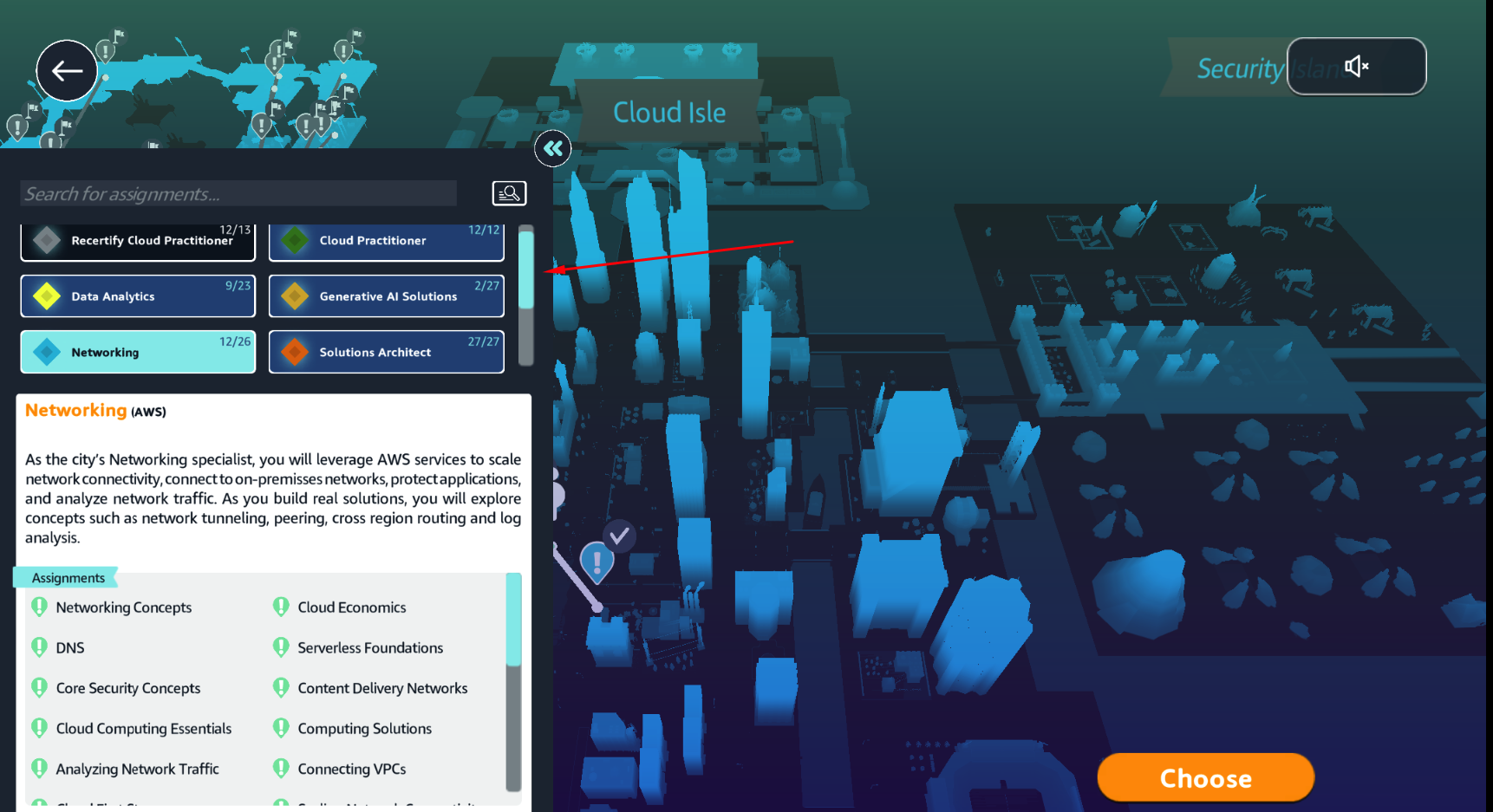
Cloud Practitioner (Free): Covers core services - EC2, S3, VPC basics, IAM fundamentals. Good for certification prep.
Solutions Architect ($29/month): More complex architectures - multi-AZ deployments, auto scaling, cross-service integrations. This is where I spent most of my time.
Specialty tracks: Security, Networking, Machine Learning. Worth exploring after the fundamentals.
What Made It Work for Me
Daily short sessions. 30 minutes of hands-on beats 3 hours of videos. I did one or two labs each morning before work.
Taking notes. I documented every lab - what I built, commands I ran, configurations that worked. These became reference material for actual projects.
Experimenting beyond requirements. Each lab has a defined scope. I'd finish the required steps, then spend 10 minutes breaking things to understand failure modes.
The validation system. Labs check your configuration and give immediate feedback. You know instantly if you misconfigured something.

My Badges
I completed both the Cloud Practitioner and Solutions Architect paths. The badges verify completion through Credly:
Limitations
Not exam-focused. Cloud Quest teaches you to build. It doesn't teach you how AWS frames exam questions. Combine it with practice exams.
Cost. Only Cloud Practitioner is free. Everything else requires the $29/month subscription.
Time-limited sessions. Lab environments expire. You can't leave something running overnight to experiment with.
How I'd Use It Again
- Start with Cloud Practitioner path (free) to get comfortable
- Subscribe for Solutions Architect if pursuing that cert
- Do 1-2 labs daily, not marathon sessions
- Take notes on configurations and commands
- Combine with Tutorial Dojo practice exams for certification prep
Key Takeaways
- Cloud Quest uses real AWS environments, not simulations
- Hands-on practice sticks better than video content
- The gamification is optional - focus on the labs
- Cloud Practitioner path is free; others need subscription
- Combine with practice exams for certification prep
- Daily short sessions work better than weekend cramming
Written by Bar Tsveker
Senior CloudOps Engineer specializing in AWS, Terraform, and infrastructure automation.
Thanks for reading! Have questions or feedback?